

Online safety guide for kids
Welcome to your friendly guide for exploring the digital world. Whether you are playing games on Roblox and Minecraft, watching videos on YouTube Kids, or chatting with school friends on Zoom, here is everything you need to know to stay safe, be kind, and have fun online.
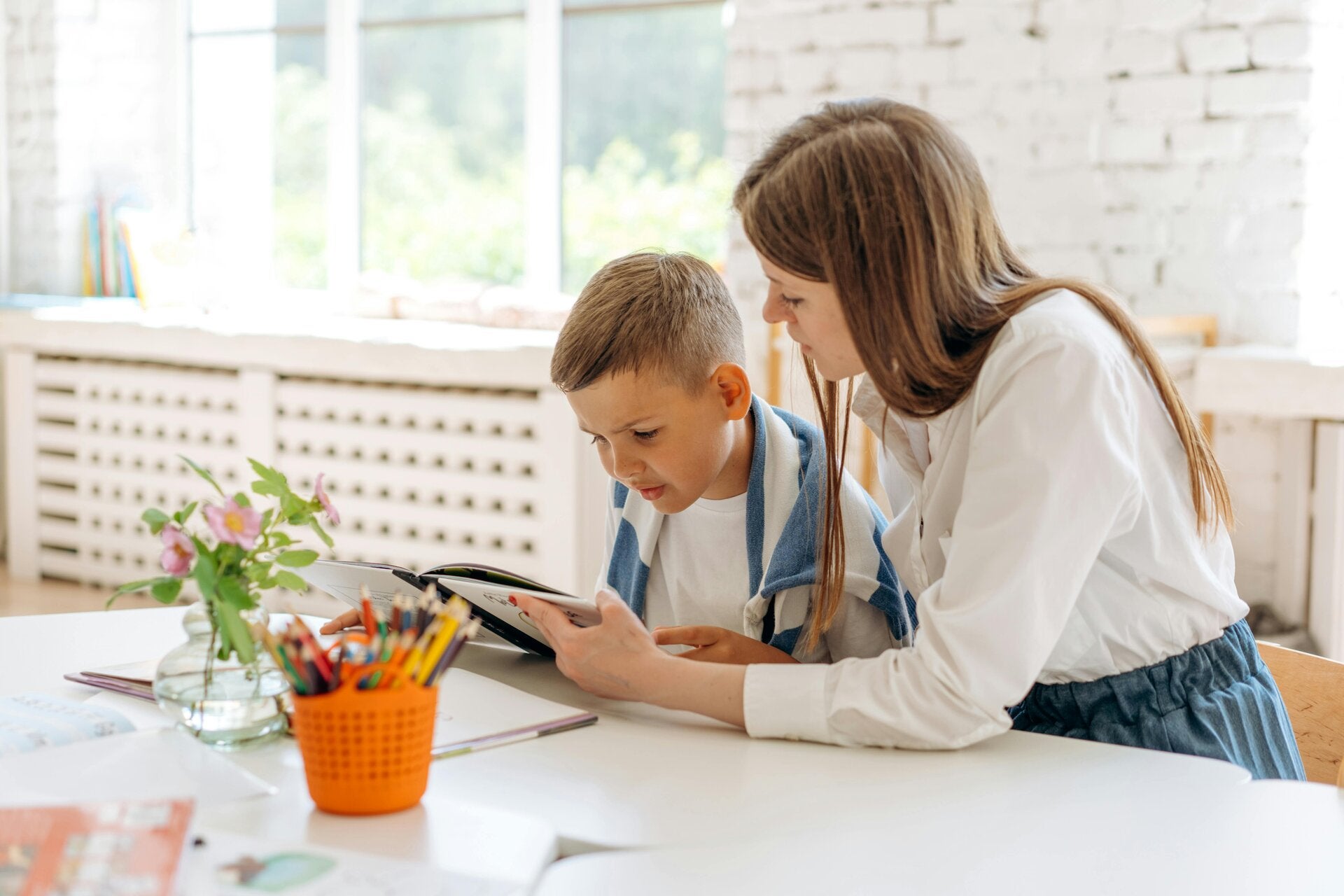
Five golden rules for browsing safely
Keep personal information locked up tight: Never share your full name, home address, school, phone number, or passwords with anyone online, even your friends.
Always be kind: Treat others online just like you would in the playground. Use encouraging words and never join in on teasing or bullying.
Check before you click: Never download games, apps, or open unknown links without asking an adult first.
Log out safely: Remember to sign out when using shared computers at school or the library.

What to do if something feels wrong
Sometimes you might stumble across a weird message, a scary picture, or someone being mean in an online game like Fortnite. If anything makes you feel uncomfortable, confused, or upset, follow these steps:
1. Stop: Close the app or step away from the screen immediately.
2. Tell an adult: Speak to a trusted parent, carer, or teacher right away. You are never in trouble for speaking up.
3. Report and block: Use the safety buttons inside the app to block unkind users, and let an adult help you manage it.

Tips for parents and teachers
Supporting young digital citizens starts with everyday conversations at home and in the classroom.
Start early: Talk through healthy digital habits before children dive into new games or social platforms.
Keep screens in common areas: Encourage using tablets and laptops in shared living spaces where you can gently supervise.
Agree on household boundaries: Create clear rules together regarding screentime, approved websites, and downloading permissions.
Listen and support: Maintain an open, judgment-free space so kids feel comfortable reporting scary encounters or mistakes.